One of the main benefits of implementing geofences is gaining a tool to supervise your team. And it is no ordinary tool: it can become a key piece of management and productivity.
One of the main benefits of implementing geofences is gaining a tool to supervise your team. And it is no ordinary tool: it can become a key piece of management and productivity.
Because it can run automatically once it is set up, it saves fleet managers time and energy. It also ensures supervision happens without any tampering.
That is how Hunter Track geofences work, and why many customers start using them as soon as they choose our GPS Monitoring System. But how do they work, and how do they help supervise your team automatically? That is what we will cover next.
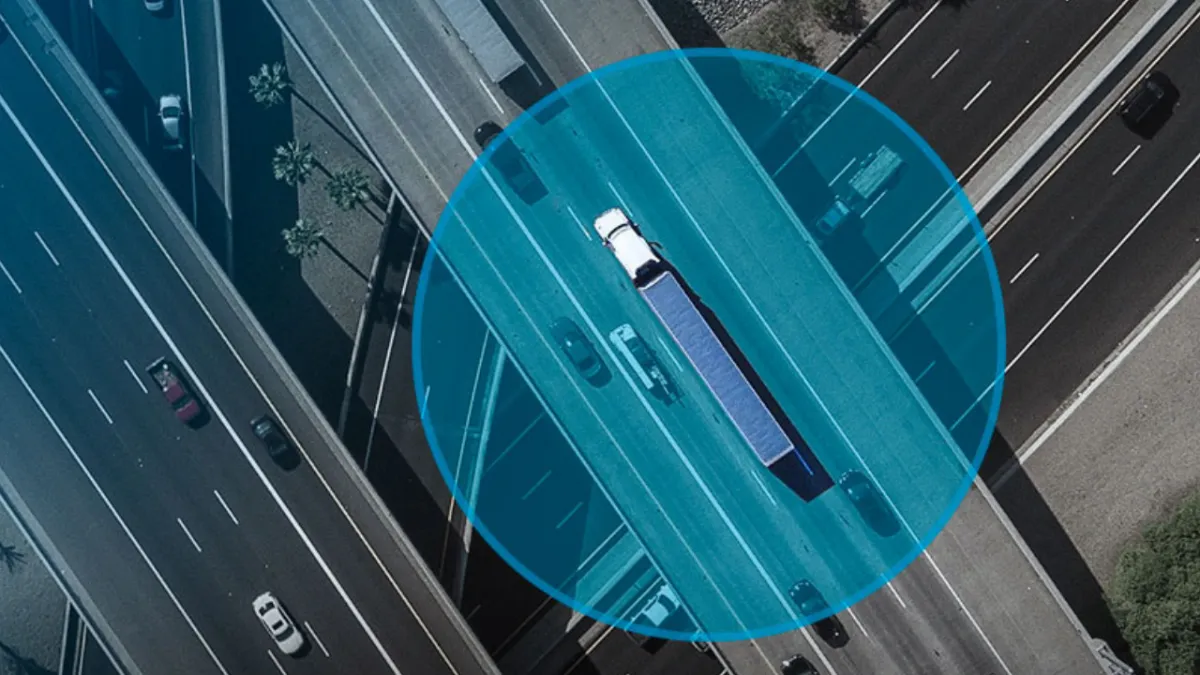
Geofences are a feature included in GPS Monitoring Systems such as Hunter Track. They set boundaries for the areas where a vehicle or person is allowed to travel.
If the driver or person crosses those boundaries, an alarm is triggered to report it. To implement a geofence, simply select and outline the zones using geographic coordinates on the digital map provided by the platform.
Once the geofences have been defined and set up manually, you can configure alerts and notifications that are generated automatically whenever they are crossed.
With Hunter Track, you can also choose whether notifications go to the customer or fleet manager, or to the HUNTER monitoring center, staffed by operators available 24/7, 365 days a year.
This automatic notification when geofence boundaries are crossed is what enables automatic supervision of the team members using the tool.
Each geofence breach and each automatic alert points to a team member's behavior that requires attention and supervision.
In this case, the fleet manager or supervisor simply waits for the notification. In other words, even if they are not watching the person's or vehicle's route live, they will still be notified.
The notification history is also recorded for later review. So what actions or behaviors by a team member can trigger a geofence breach?
All of these actions generate notifications. As a result, fleet managers or administrators can take action to correct or improve the situation.
If you are ready for your company to start enjoying the benefits of geofences, don't hesitate to contact us at 809.620.2002 and our expert technicians will give you a completely free quote. And if you want to learn more about the Hunter Track GPS Monitoring System, visit our website, hunter.do